Who logged in.
Who ran what.
Track logins, elevated commands, config changes, package installs, service restarts, and reboots — from standard OS logs, with zero dependencies. Works on any Linux distro and on Windows servers.
On this page
Overview
Activity auditing usually means one of two bad options: install auditd on every box and deal with its complexity, or ship logs to an expensive SIEM and hope someone looks at them. ManageLM takes a third path — use what's already there.
The activity audit reads standard Linux log files (wtmp, btmp, systemd journal, sudo logs, rpm / dpkg databases) and Windows Event Log. It parses, normalizes, and deduplicates events into a structured report — with full name identity, rolling time windows, and a dashboard of who did what, when.
Zero install. No auditd, no Falco, no osquery, no third-party daemons. Everything runs from the standard logs that every Linux distribution and Windows Server already write. Enable it on day one, on every box.
Event types
Seven event categories, collected every run, normalized across platforms:
Successful logins
SSH and console logins with user, timestamp, and source IP — pulled from wtmp on Linux, Event Log on Windows.
Failed logins
Invalid login attempts with user, timestamp, and source IP. Pulled from btmp / Security log.
Elevated commands
Every sudo invocation — always shows the real user, even after sudo su -. Reads rotated & compressed logs automatically.
File changes
Config files modified under /etc and /var/spool/cron, detected by mtime. System noise is filtered out.
Package changes
Packages installed, updated, or removed — from rpm --last, dpkg logs, or Windows Event Log entries.
Service changes
Services started, stopped, or failed — from systemd journal on Linux, Windows Event Log on Windows.
A seventh category captures reboots — system restart events with the booted kernel version — so you can correlate unexplained restarts with the changes that preceded them.
How it works
Trigger
Open the Activity tab on any agent card and click Run Activity Audit. Or schedule it — daily, weekly, monthly — and receive recurring reports by email.Resolve the time window
The portal fills in template placeholders ({{since}},{{minutes}}) based on the scan schedule — 24 hours for daily, 7 days for weekly, 30 days for monthly. Commands are context-aware.Collect & parse
Seven check commands run in a Landlock read-only sandbox on the agent. Output is parsed into structured events — timestamps normalized, duplicates removed, system accounts filtered.Identity & display
The agent enriches events with GECOS data (including LDAP/SSSD sources), the portal matches against your ManageLM team, and the result is displayed in the Activity dashboard with cards and detail tables.
Identity mapping
System accounts rarely match your company's human identities one-to-one. deploy, ubuntu, ec2-user, administrator — these are roles, not people. ManageLM bridges the gap by reading the account's full name from getent passwd (which sees LDAP/SSSD data too) and matching it against registered ManageLM users.
Matched users show as green badges with their real name; unmatched activity stays as the raw username. When a teammate is onboarded through LDAP and gets a Firstname Lastname GECOS entry, identity mapping starts working automatically — no portal-side configuration needed.
Windows support
Activity audits work the same way on Windows Server — same dashboard, same report shape, same MCP tools. Under the hood, each event type maps to a matching Windows Event Log query:
| Event | Windows source |
|---|---|
| Successful / failed logins | Security log (4624, 4625) |
| Elevated commands | PowerShell operational log + Security 4688 |
| Package changes | Setup log + Application log |
| Service changes | System log (7036, 7040, 7045) |
| Reboots | System log (1074, 6005, 6006) |
Time windows & reports
Each audit collects data for a rolling window tied to the schedule — manual runs and daily schedules look back 24 hours, weekly 7 days, monthly 30 days. This keeps the dataset relevant without piling up historical noise.
The Activity button at the top of the Infrastructure page downloads a fleet-wide PDF: one section per server, one table per event type, with identity badges where resolved. Schedule it to land in your inbox on the cadence you want — ManageLM handles the rest.
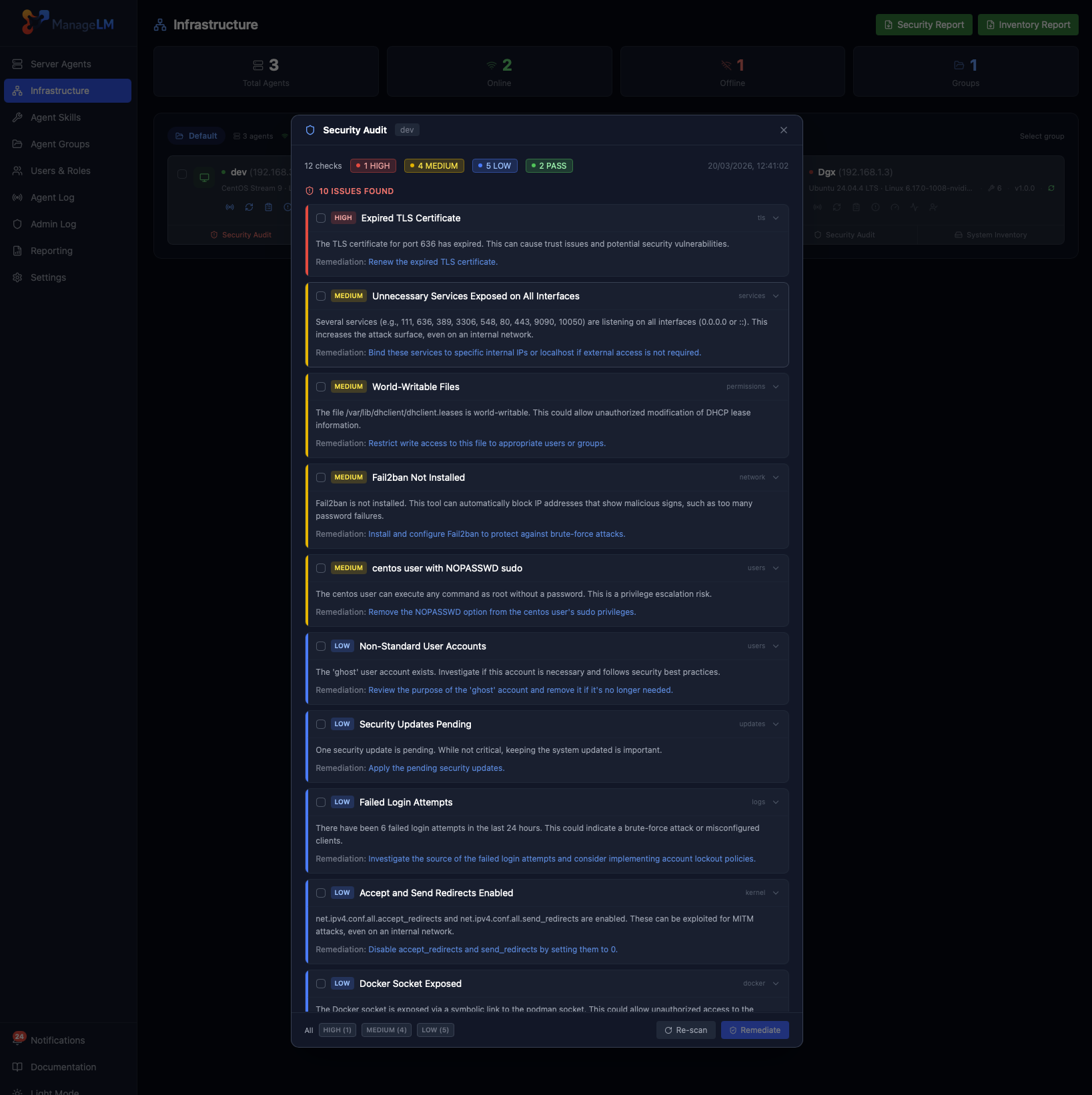
Pairs with Security Audits. Use activity audits to see what changed, and security audits to see whether the result is still safe. Together they close the loop: detect, attribute, and verify.
See what's actually happening on your servers.
Run your first activity audit in under a minute. No auditd, no log shipper, no SIEM subscription.